One system runs the clock on the masjid wall, the app in every pocket, the times on your website and calendar, and even the lights, mics and doors. All of it from one control panel.


Set the iqamah times once in the control panel. The wall, the phones, the website and the calendars all follow within a minute.
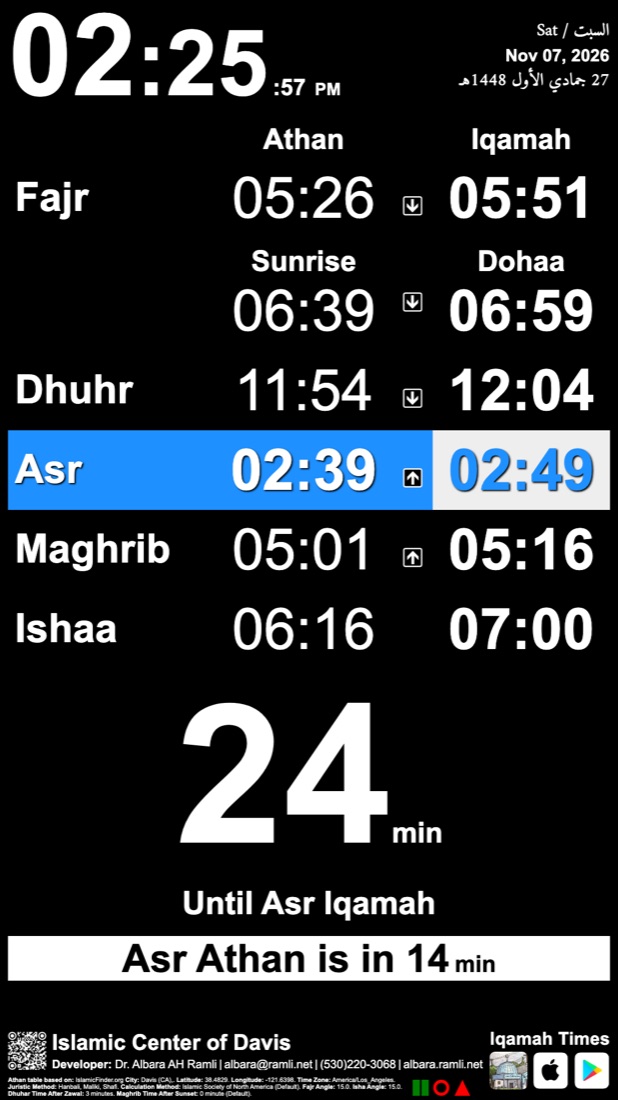
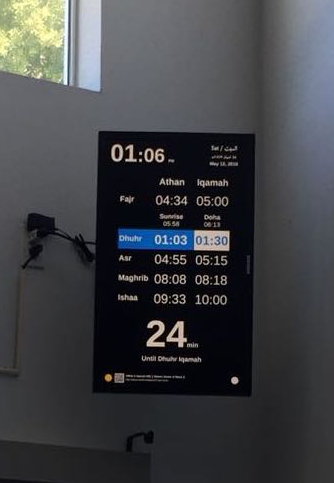
A Raspberry Pi on any screen, from a 7″ tablet to a 32″ monitor. Athan and iqamah for every prayer, a big countdown, reminders, Jumuah and Khutbah, the Hijri date and a news bar. It keeps running if the internet drops.
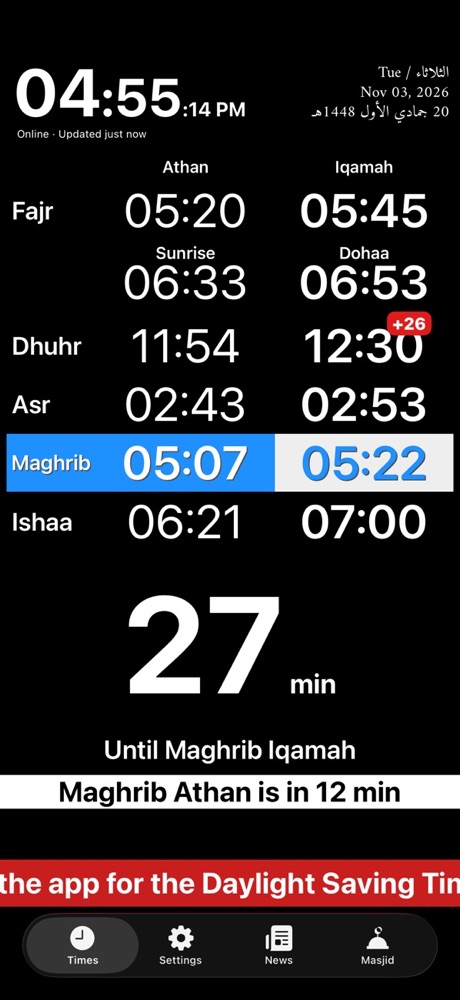
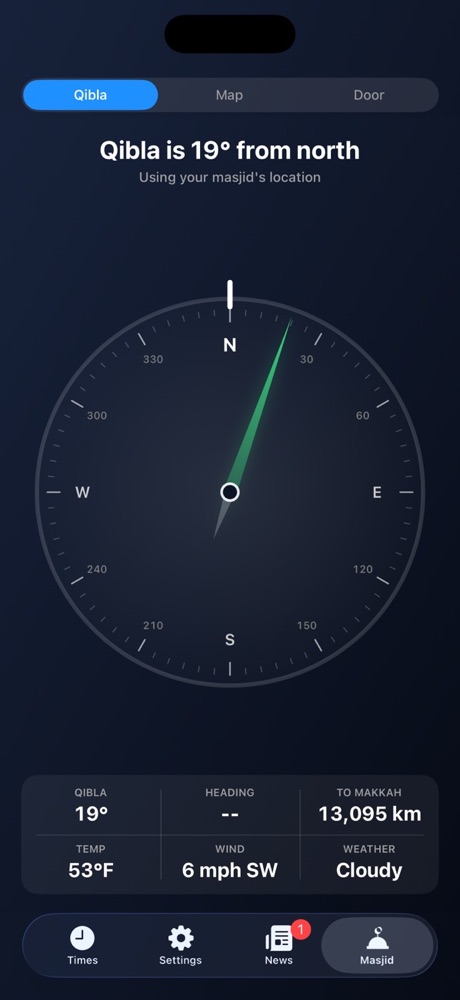
Athan and iqamah alerts, arrival and leaving alerts, map and route, Qibla, news and home screen widgets.
Paste one line and the live clock appears on the masjid's own website.
Athan, iqamah and travel time feeds for Google and Apple Calendar.
The whole year month by month, ready to print and hang.
Set the times by hand or automatically, add delays, notes and news, and give your team access.
Room lights that come on at Maghrib, a mic that turns itself on when the imam steps up, and doors that unlock around prayer times or with a card swipe.
Every screen reports in. If one goes quiet, runs out of power or has a fault, it shows up in the health portal, often before anyone at the masjid notices.
Big, clear and always right. It counts down to the next iqamah so nobody has to ask.

Free on the App Store and Google Play. Pick your masjid once, nearest first, and the app does the rest.
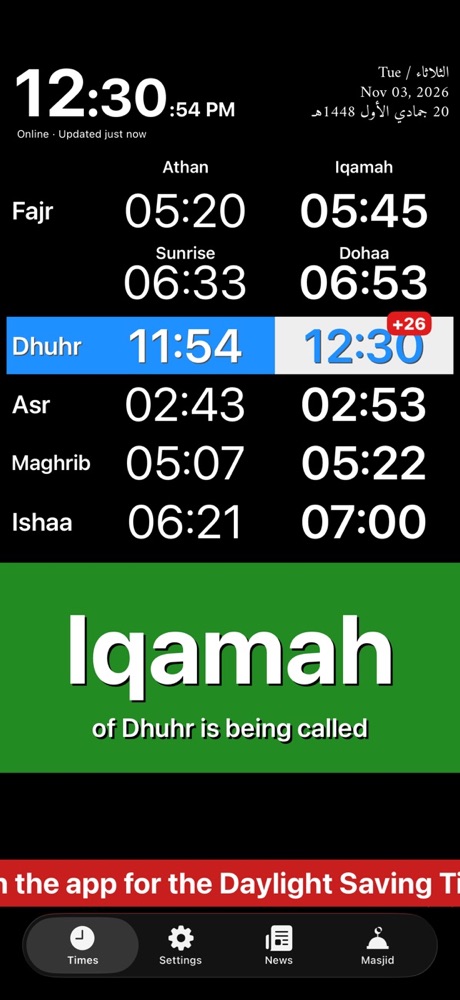
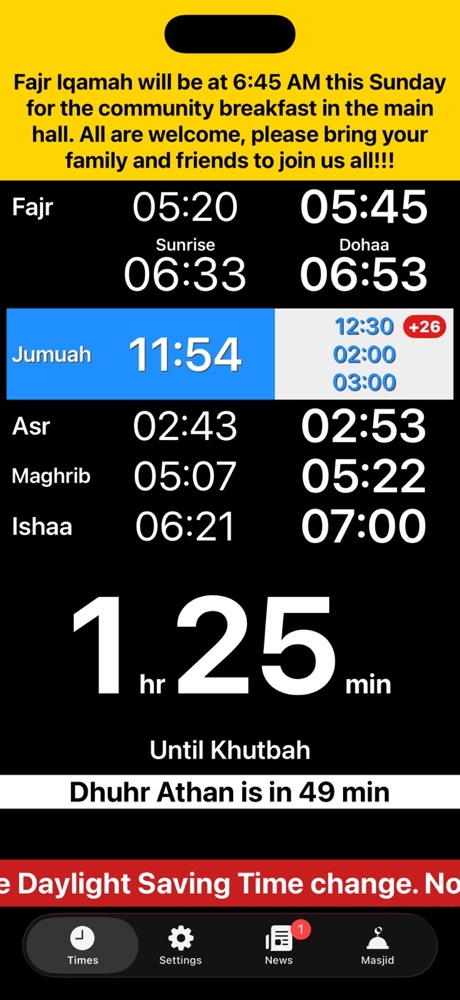
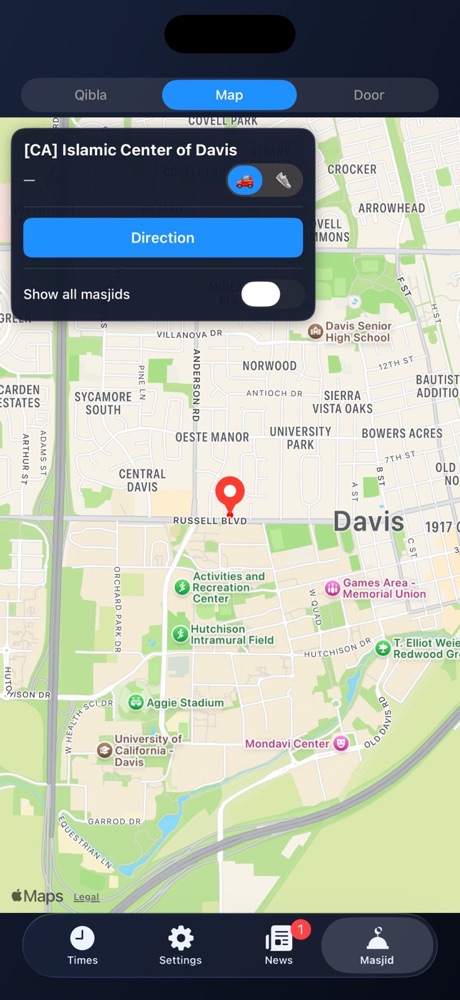
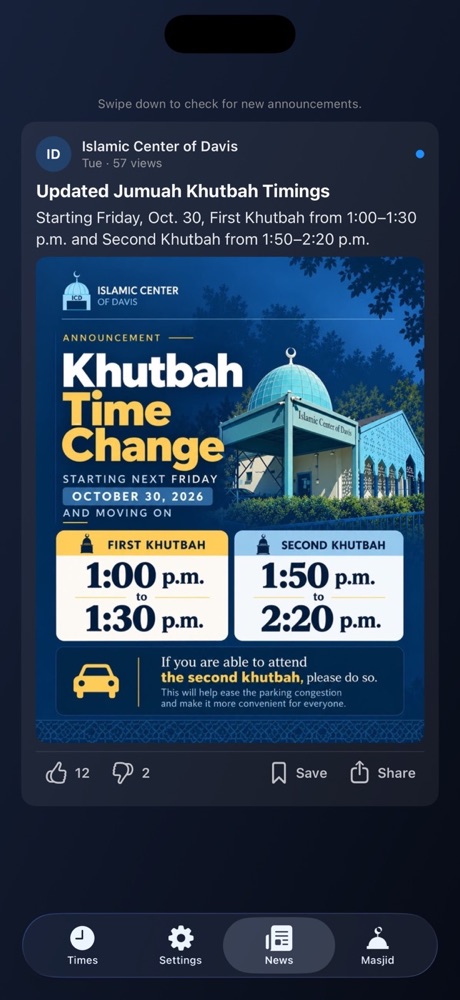
This is the real clock, live, the same one that runs on the wall and on the masjid's website. Pick a masjid to see its times.
Each masjid also has its own page to share: albara.ramli.net/iqamah/?city=davis
The same times, wherever your community already looks.
One line of code. The clock stays live and updates itself. We send you the exact line for your masjid.
Subscribe once in Google or Apple Calendar and every prayer appears, all year.
The links are on each masjid's yearly table, which also prints the whole year.
The person in charge at the masjid gets a control panel that works on a phone or a computer.
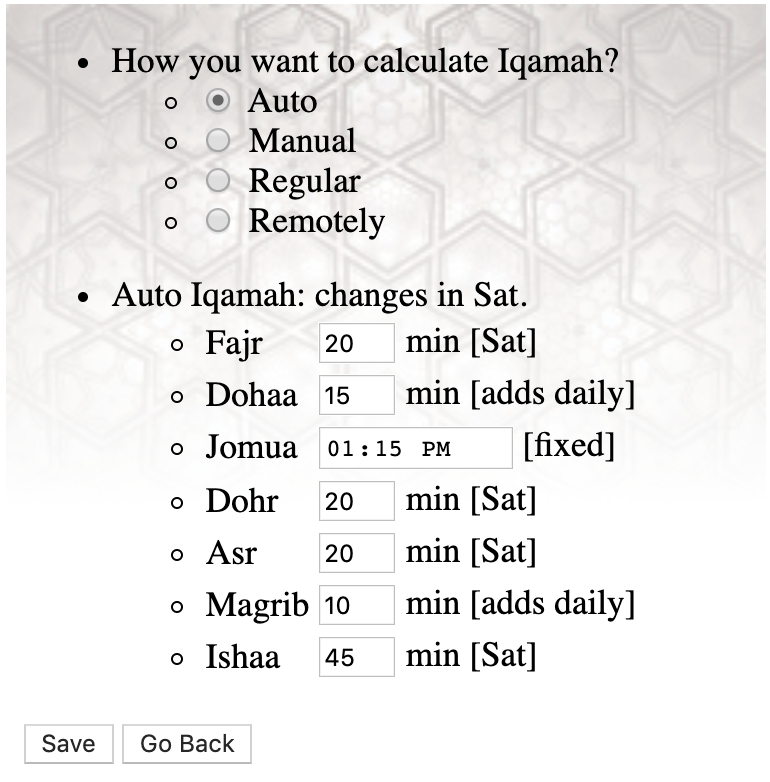
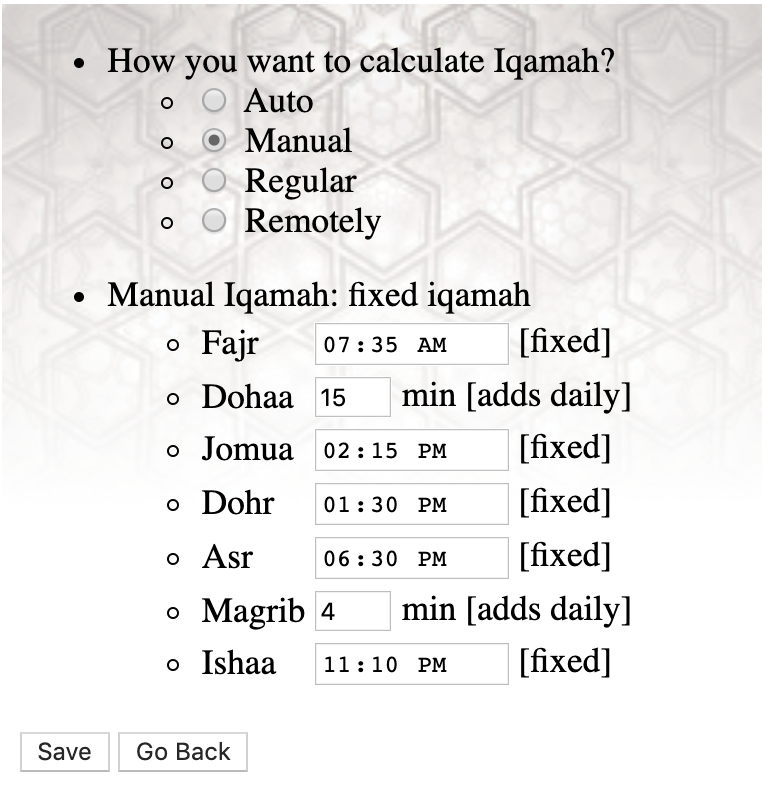
Optional add-ons on the same Raspberry Pi system. Each one runs by itself on Auto and can be switched on or off by hand at any time, and they keep working if the internet drops.
The room lights follow the sun.
The mic is ready when the imam steps up.
Doors open for prayer and stay locked between.
This is a non-commercial community project. No fees are charged and no service contracts are provided.
For masjids and musallahs only (no homes please!). A maximum of 2 units for each masjid or musallah.
Calculation: ISNA by default (Fajr 15.0°, Isha 15.0°). Other methods are available, just ask.
Juristic method (Asr): Hanbali, Maliki, Shafi, or Hanafi.
You buy the parts yourself, from any store. The links below are only examples (they may stop working at any time) and we do not promote any brand.
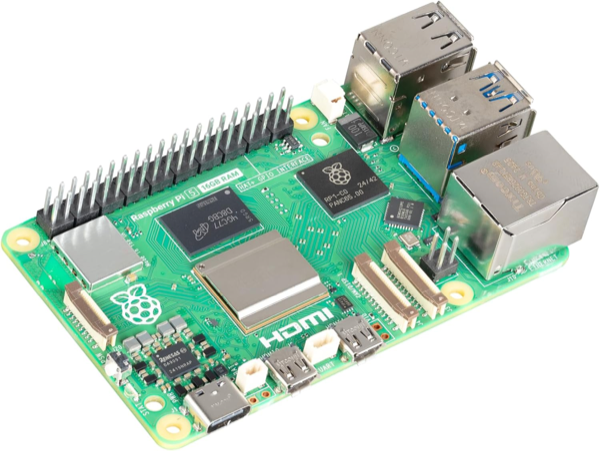
Any of the three works, pick one:
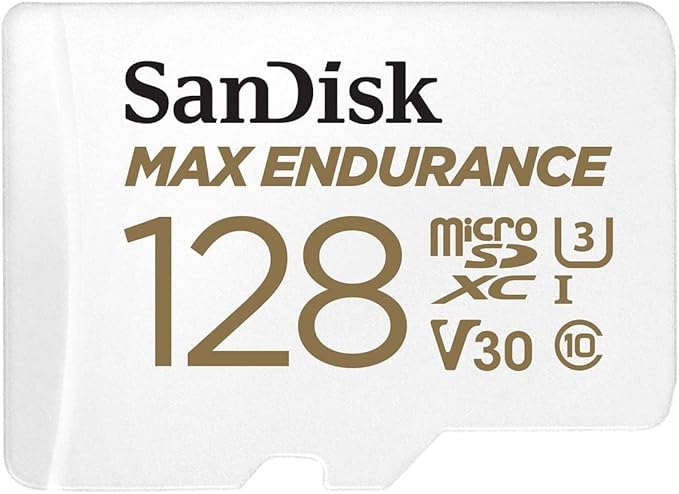
The clock needs about 6GB, so either has room to spare. The larger card spreads the writing over more memory and lasts longer. Buy the high endurance kind whichever size you choose: an ordinary card is the usual reason a clock stops after a year.
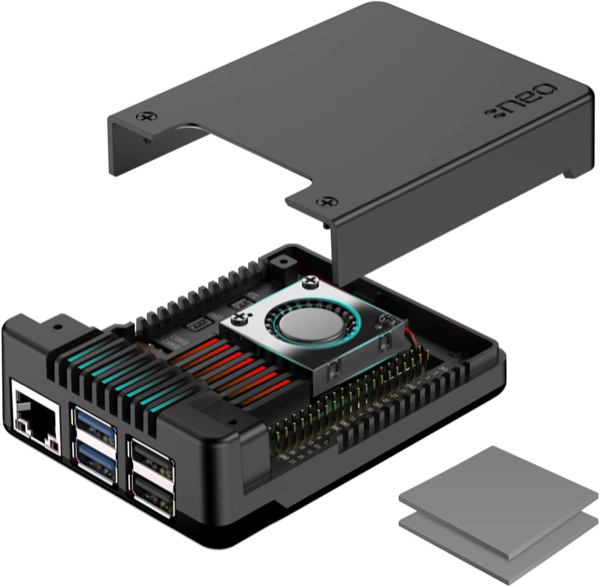
Argon NEO 5, aluminium with a fan built in. The metal body is the heatsink, so the board stays cool without anything extra. Make sure any case you buy says Pi 5: an older one will not fit.
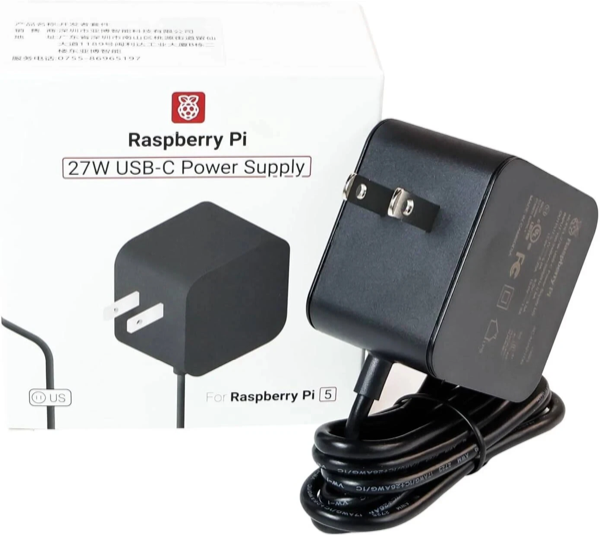
27W USB-C, 5.1V/5A. It must be a 5A supply. A phone charger, or any older adapter rated 3A, cannot feed a Pi 5: the board keeps running but slows itself down, and the screen freezes or restarts at random.
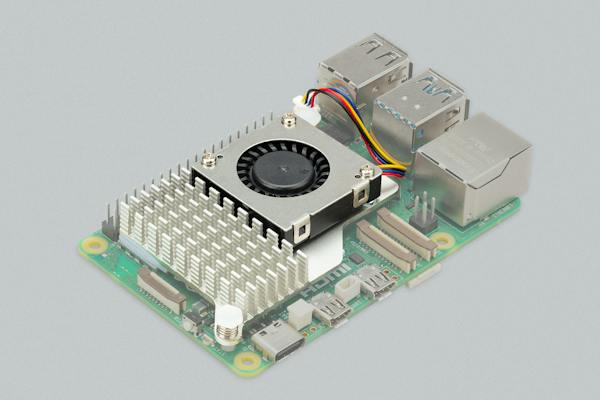
A heatsink and fan that clip onto the board. You do not need this with the case above, which has its own fan. Buy it only if you use a case without one, or none at all: a Pi 5 slows itself down when it gets hot, and a clock that is on all day gets hot.
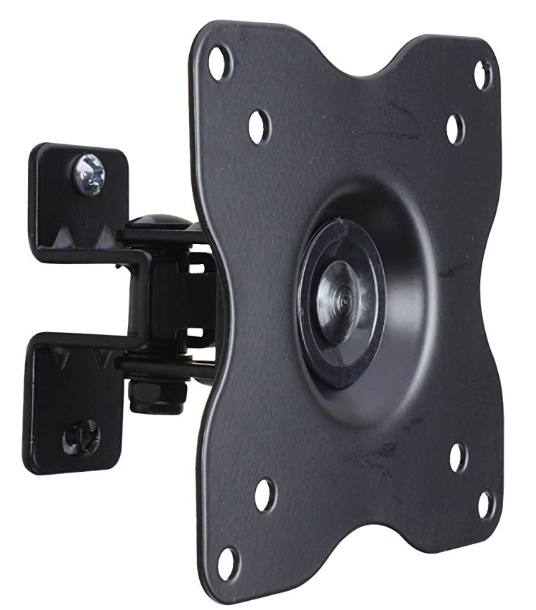
Only if the screen goes on a wall. A screen on a shelf or a table needs nothing. If you mount it, the bracket has to match your screen: check the VESA hole spacing on the back, the weight it can hold, and whether you want it flat, tilting or on an arm. The link is one example, not a recommendation.
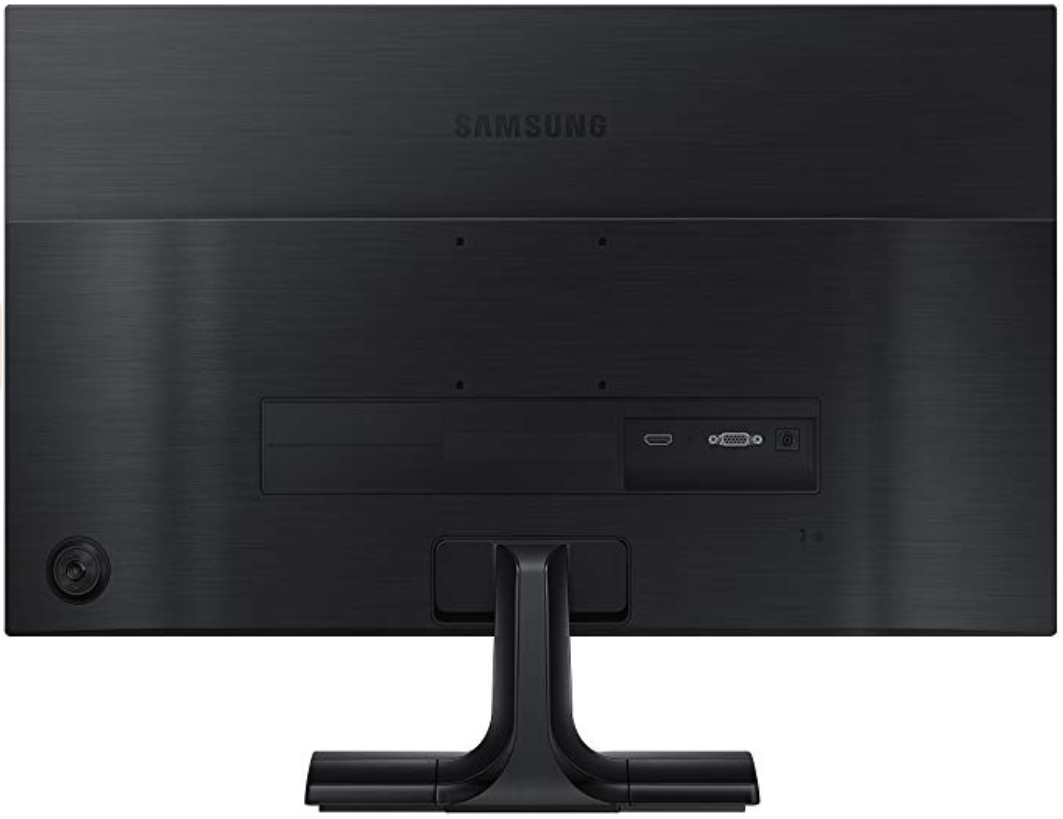
Any size works. 27″ and 32″ are the most common sizes. You can connect up to 2 monitors to the same Raspberry Pi 5.
Get the parts listed above from any store you like.
It asks for:
Send the Micro SD card by USPS to confirm the request. I install the app on it and send it back. Email albara@ramli.net for the address.
Put the card in the Pi and turn it on. The masjid is also added to the iOS and Android apps (in the next app update, which takes some time) and to the website embed.
Note: This is a volunteer side project (not a business). Requests are handled only when I have availability, in the order received. Please do not send repeated follow-ups; it won’t speed things up. Thanks.
تنبيه: هذا مشروع تطوعي جانبي (ليس عملاً تجارياً). يتم التعامل مع الطلبات حسب توفر الوقت وبالترتيب. يرجى عدم إرسال رسائل متابعة متكررة لأنها لن تسرّع الطلب. شكراً.
Tap a masjid to open its live clock.
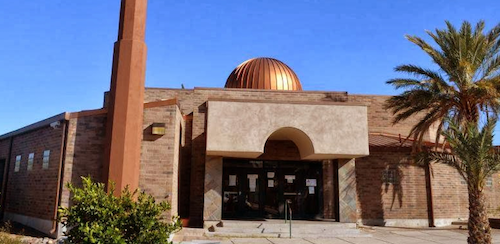
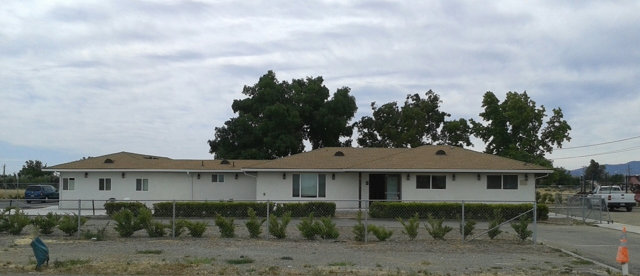
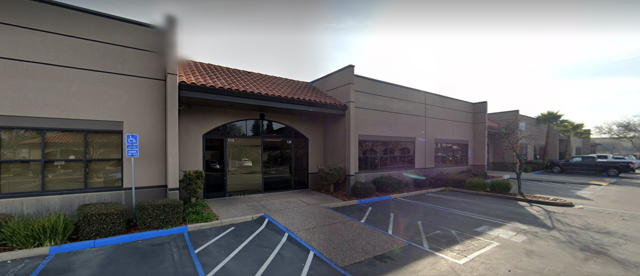
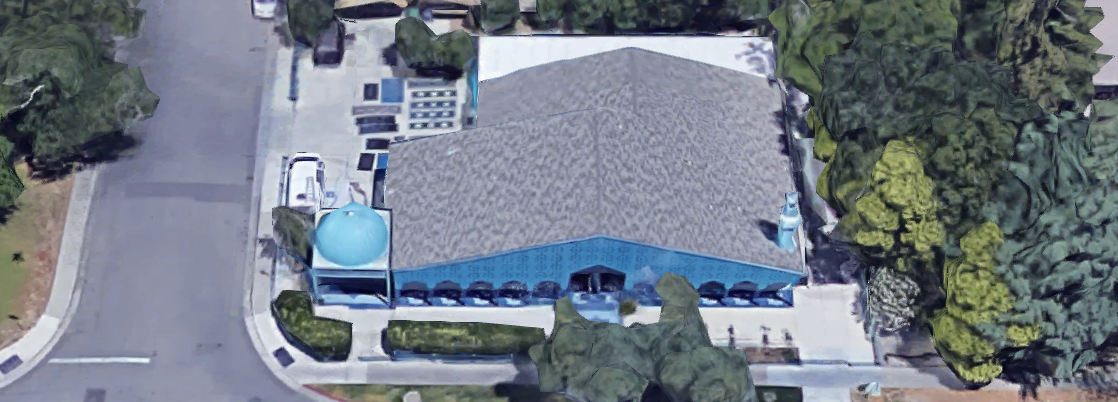
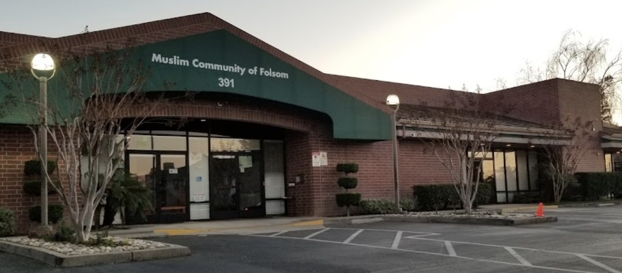
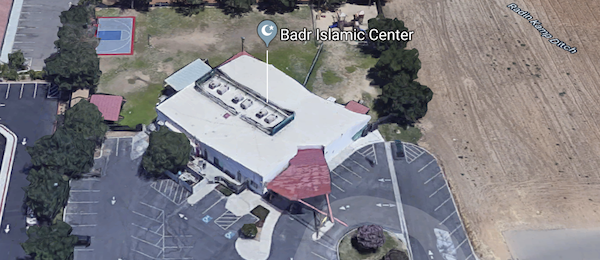
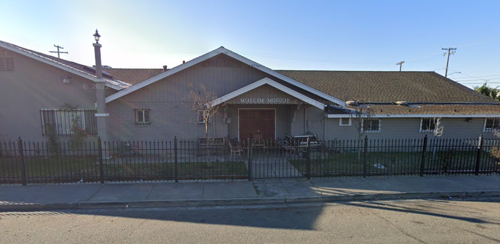
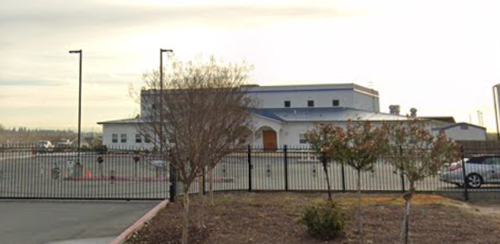
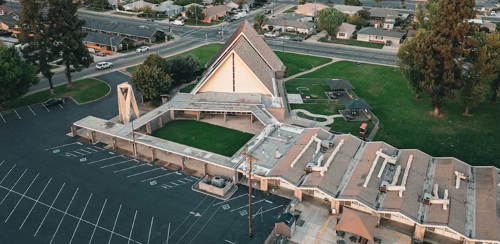

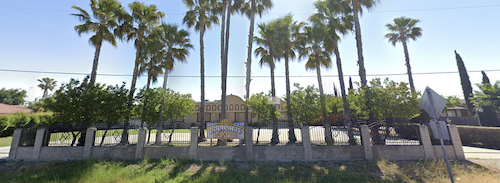


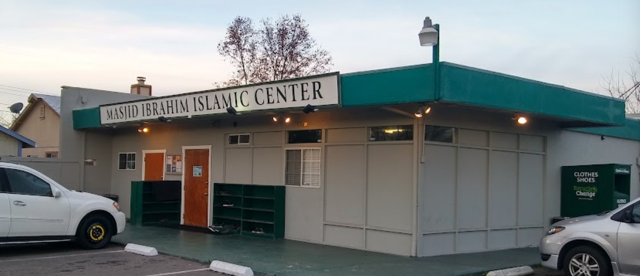
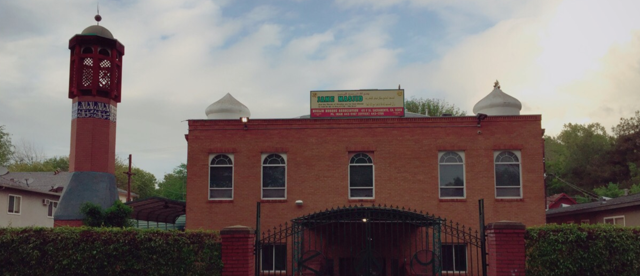
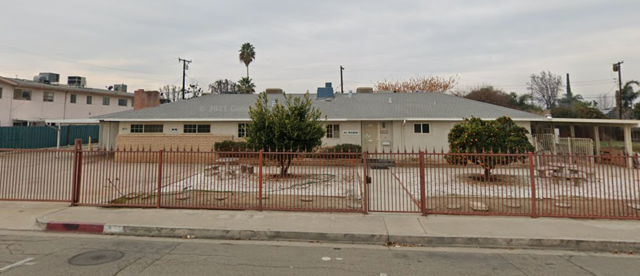
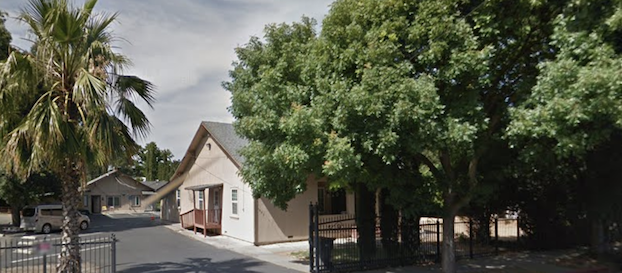
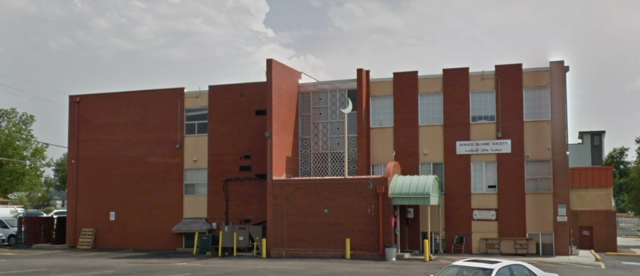
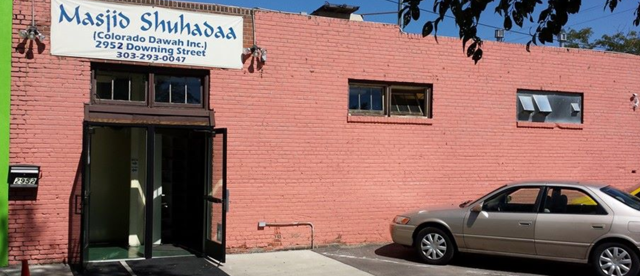

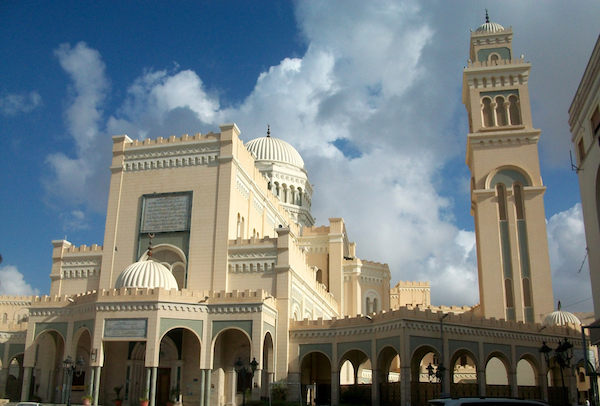
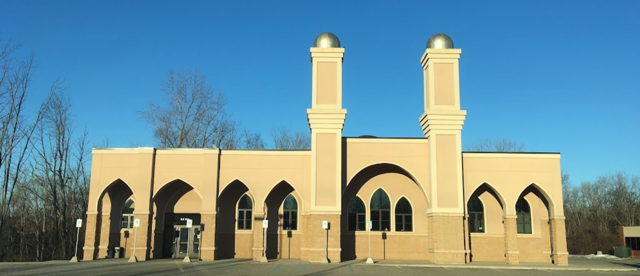
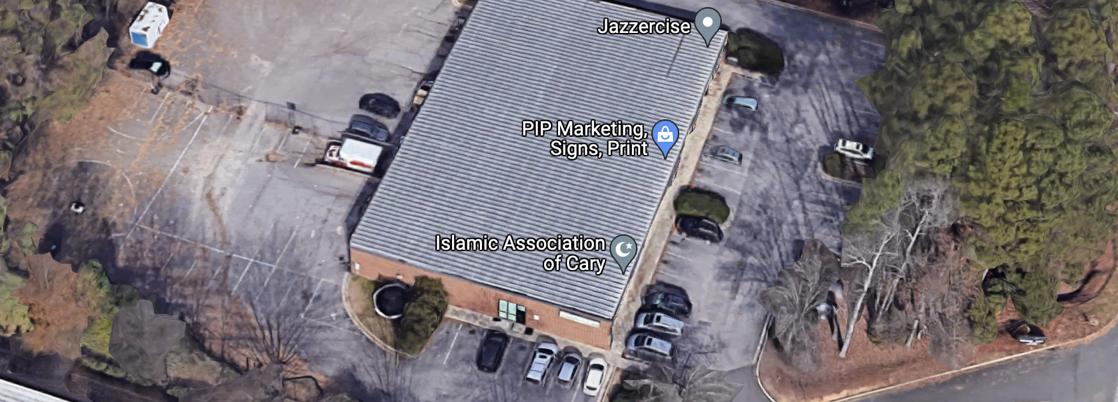
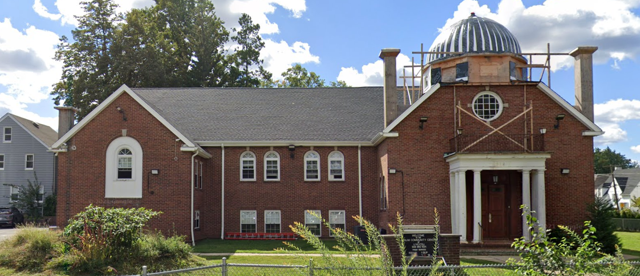
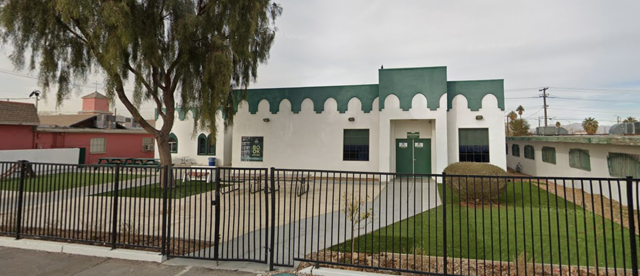


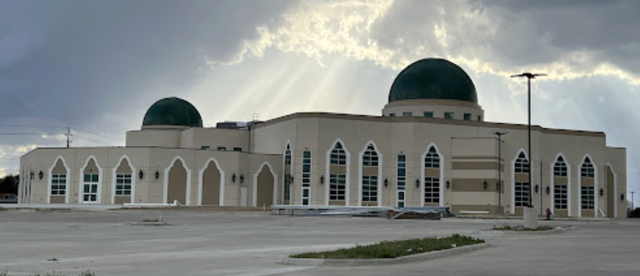
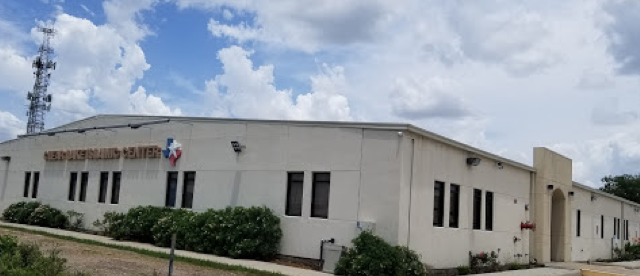

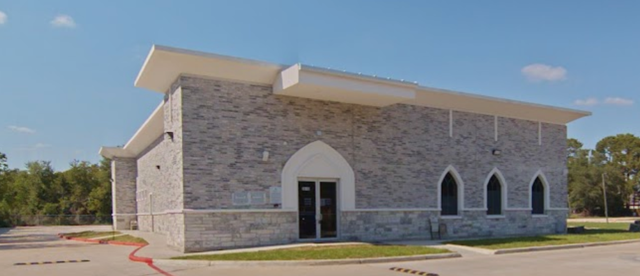
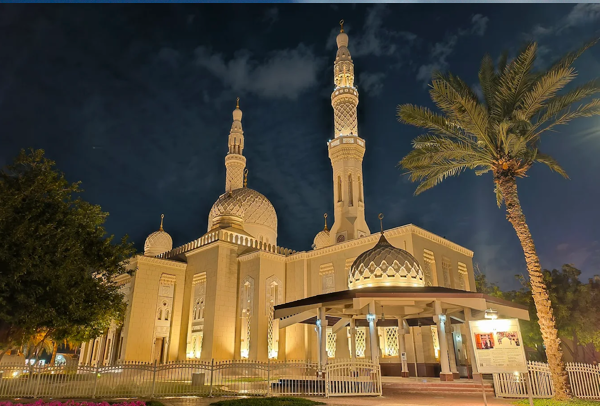
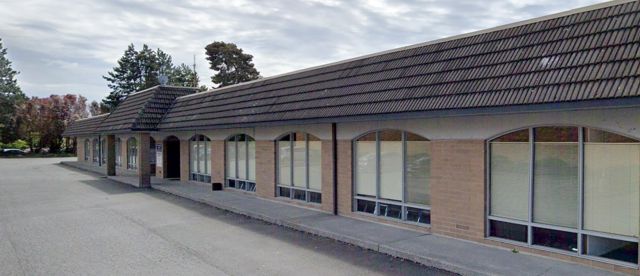
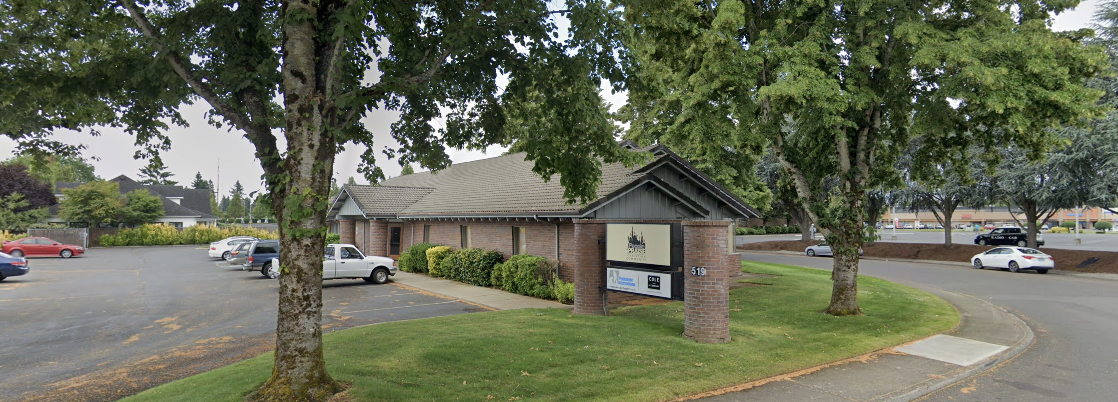
Free, built by a volunteer, and already trusted by masajid across the country.
 Iqamah Times