| Name |
 Iqamah times |
| Iqamah times |
This app shows the Athan and the iqamah times for the daily prayers of a list of masajid (as shown below this page). The app works for 3 targets: 1- Masjid Clock 2- Masjid website (script to display prayers' times) 3- Phone app (android and ios). |
| Masjid clock |
 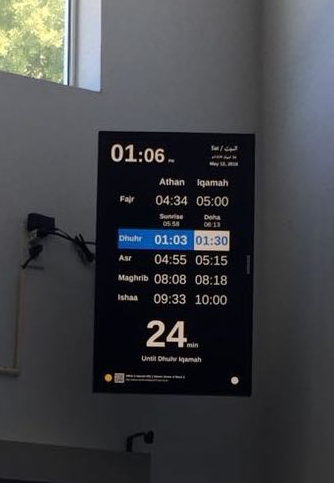 |
| Embed clock to the masjid's website | The script will be provided to be embedded to the masjid website Fig: Masjid Annur Islamic Center Clock |
| iOS & Android app | It calls Athan & Iqamah, pushes notification and notes you when you enter or leave the Masjid using your current location. Finally, it shows the route to the Masjid on the map.
 |
| App price |
This is a non-commercial community project. No fees are charged and no service contracts are provided. هذا مشروع غير تجاري ولا يتم تقاضي أي رسوم ولا تقديم عقود خدمة. |
| Note |
هذا التطبيق مخصص للمساجد والمصليات (غير مخصص للمنازل). عدد ساعتان كحد أقصى لكل مسجد/مصلى. |
| Juristic Method |
(1) Hanbali, Maliki, Shafi (2) Hanafi |
| Calculation method |
If you want a different method, please let us know. 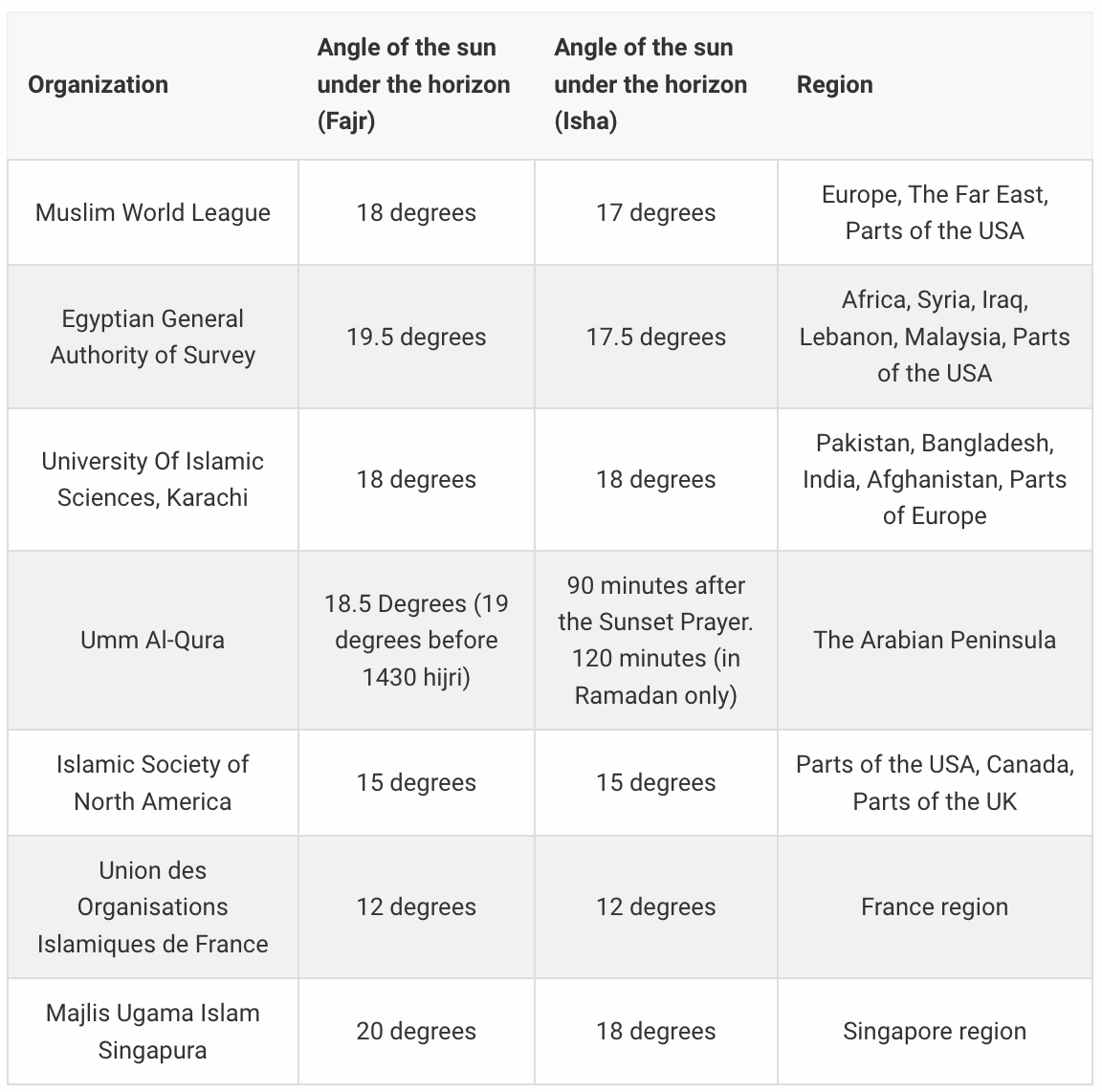 calculation methods |
| Control panel |
The person in charge (admin) will have a control panel to configure the iqamah times: (manual or auto changes).
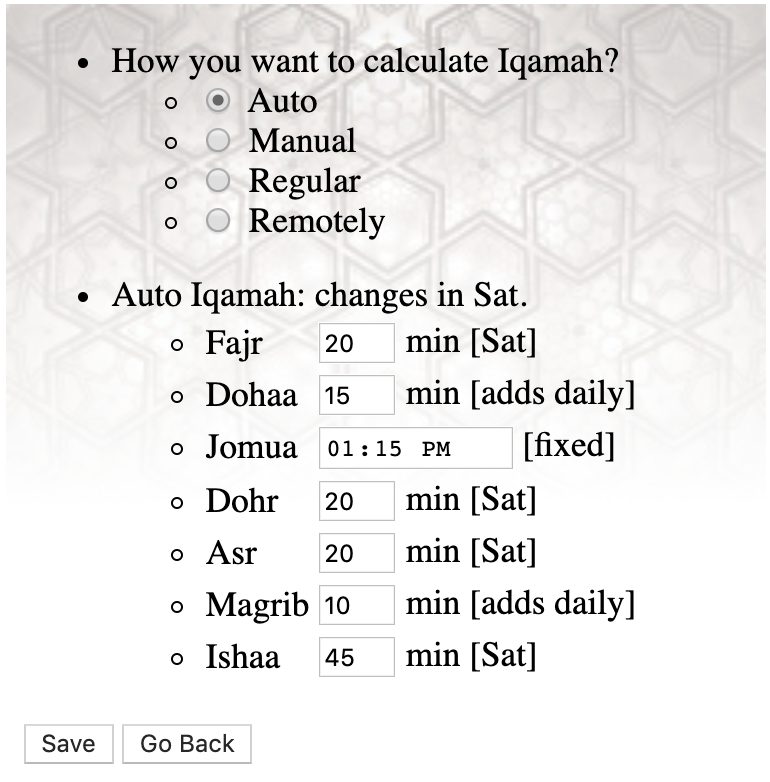 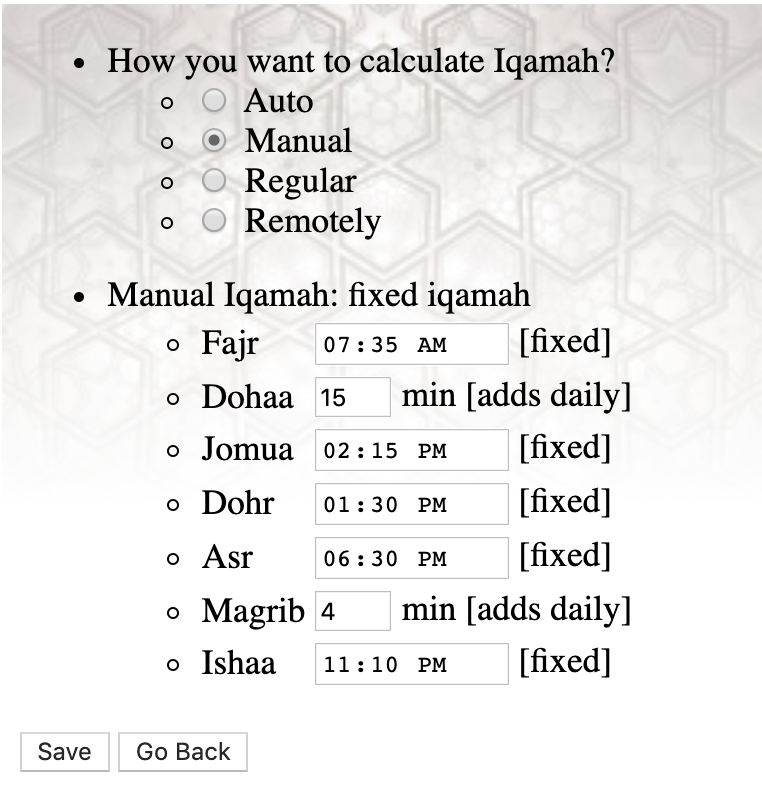 |
| What devices you need to bring (on your own) |
Be aware: All links provided here is just an example (links may not be valid at any moment), we do not promote any brand. Just buy from your favorite store. 1- Raspberry Pi 5 (any of the three works, pick one): • Raspberry Pi 5 (4GB RAM) (enough, but go bigger if you can) • Raspberry Pi 5 (8GB RAM) • Raspberry Pi 5 (16GB RAM) 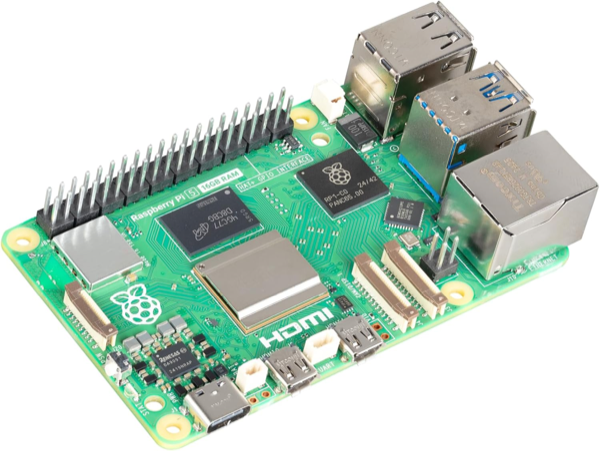 Raspberry Pi 5 2- Micro SD Card (either size works, pick one): • SanDisk MAX Endurance 64GB • SanDisk MAX Endurance 128GB (recommended size) The clock itself needs about 6GB, so either has room to spare. The larger card spreads the writing over more memory and so lasts longer, which is what matters in a screen that is on every day. Buy the high endurance kind whichever size you choose: an ordinary card is the usual reason a clock stops after a year. 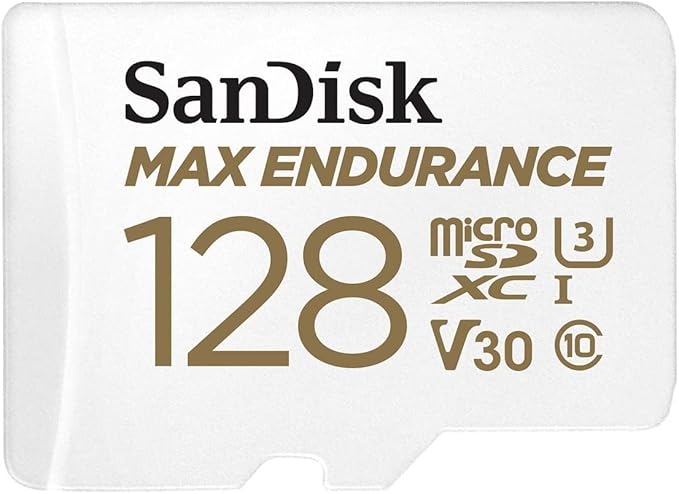 SanDisk MAX Endurance, 64GB or 128GB 3- Raspberry Pi 5 case (Argon NEO 5, aluminium with a fan built in. The metal body is the heatsink, so the board stays cool without anything extra. Make sure any case you buy says Pi 5: an older one will not fit) 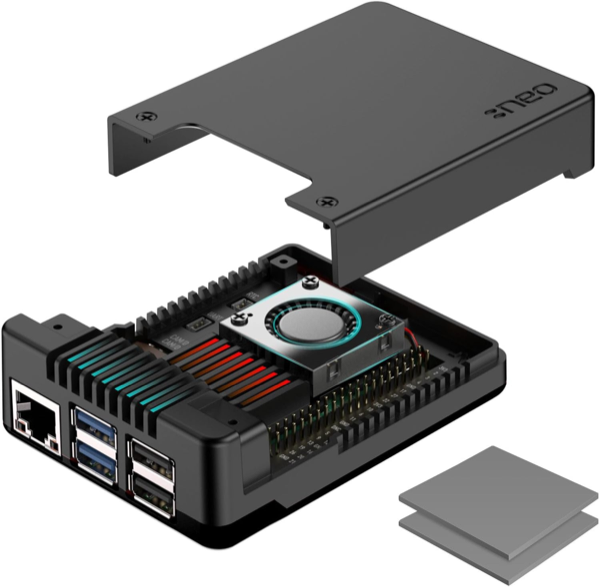 Raspberry Pi 5 case 4- Raspberry Pi 5 charger (27W USB-C, 5.1V/5A. It must be a 5A supply. A phone charger, or any older adapter rated 3A, cannot feed a Pi 5: the board keeps running but slows itself down, and the screen freezes or restarts at random) 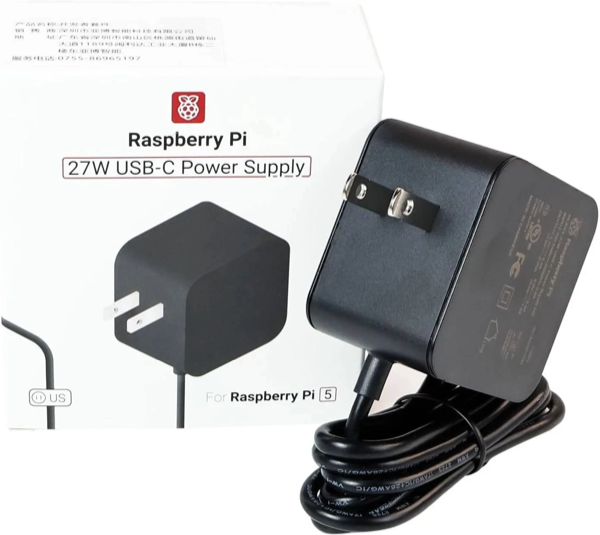 Raspberry Pi 5 charger (27W USB-C) 5- Raspberry Pi 5 Active Cooler (optional) (heatsink and fan that clip onto the board. You do not need this with the case above, which has its own fan. Buy it only if you use a case without one, or none at all: a Pi 5 slows itself down when it gets hot, and a clock that is on all day gets hot) 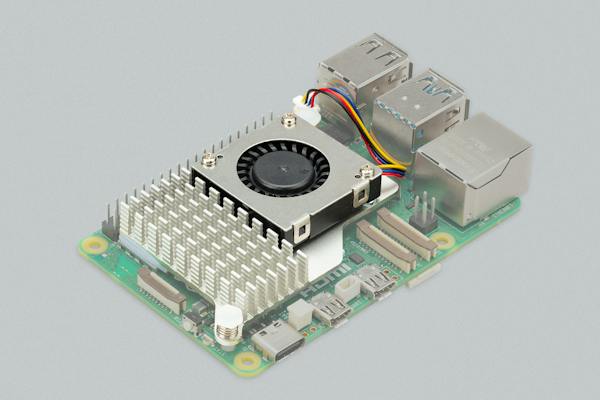 Raspberry Pi 5 Active Cooler 6- HDMI to HDMI-micro cable 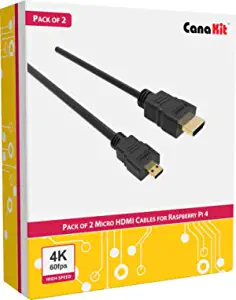 Fig: HDMI-micro to HDMI Cable (pack of 2) 7- Wall Mount (optional) (only if the screen goes on a wall. A screen standing on a shelf or a table needs nothing. If you do mount it, the bracket has to match your screen: check the VESA hole spacing on the back and the weight it can hold, and whether you want it flat, tilting or on an arm. The link is one example, not a recommendation) 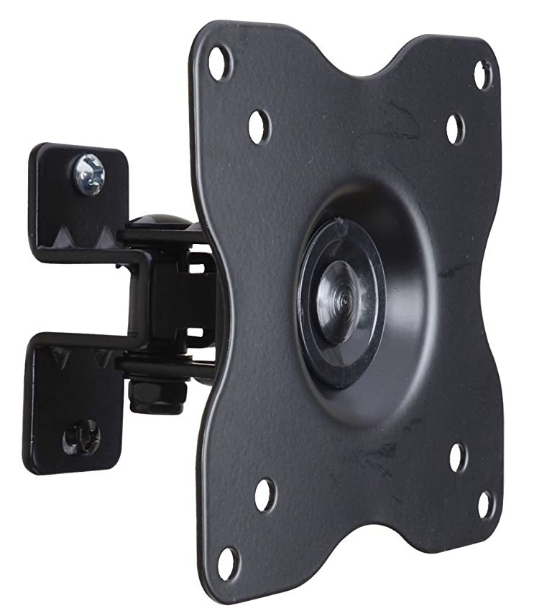 Fig: Wall Mount 8- Monitor or monitor (any size works!, you can connect up to 2 monitor to the same Raspberry Pi 5 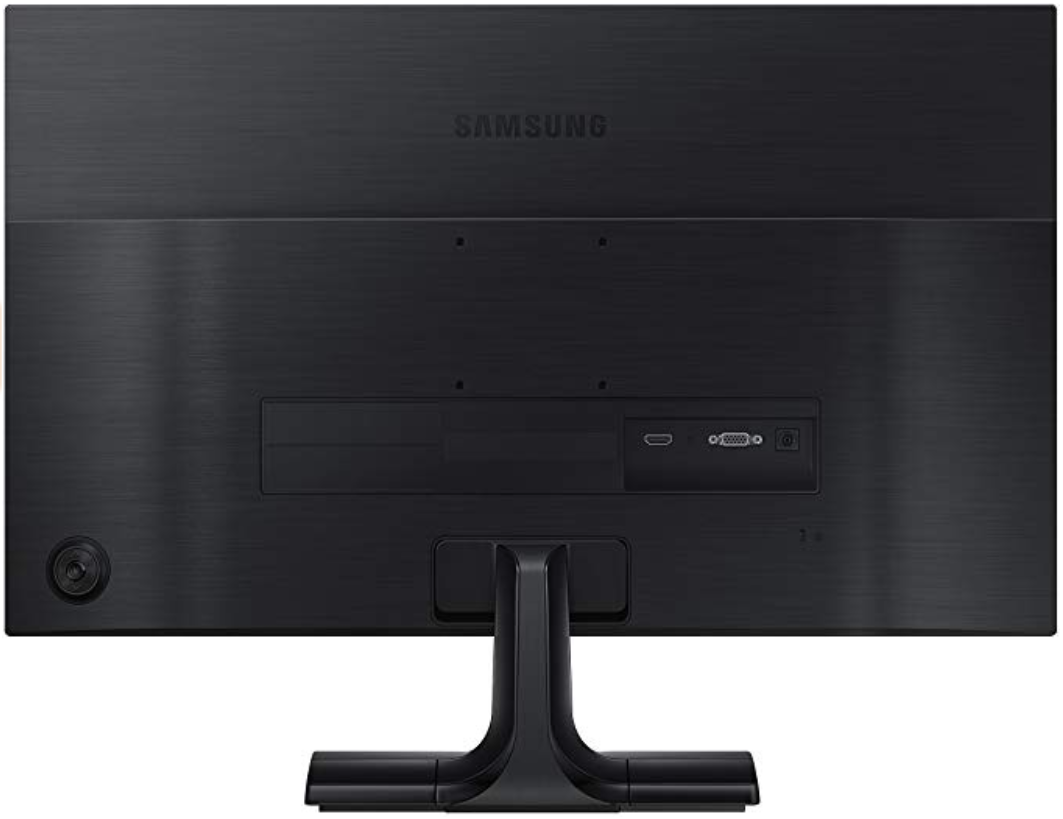 Note: 27in and 32in is the most common sizes! [*] Masjid's clock requires internet connection 24/7, make sure to connected it to the masjid's Wifi or internet cable (RJ45). |
| How to get it | After you bring the reuired devices. Kindly, fill the request form (the botton on the top of this). This form requires the following information: - The official name of the masjid. - Masjid's address. - Is the masjid Hanafi or not? (regarding the Asr timing). - Name/phone/email the person in charge. (will be provided with the control panel for both Athan & Iqamah). - Confirm your request by sending the Micro SD-card. [*] Installing the app in the "masjid's clock" will be done by the following way: via mail: you send me the Micro SD-card via USPS. I install the app on it. Then, I send it back to your address (to get my address send me an email: albara@ramli.net). Fig: Micro SD-card |
| Sumbit a Request |
 |
| List of current masajid |
AZ 1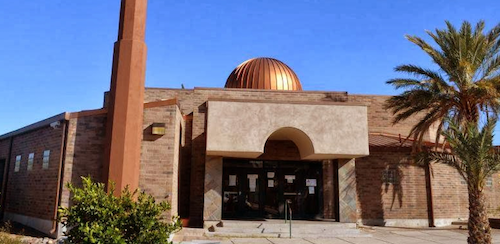
Islamic Center of Tucson
CA 30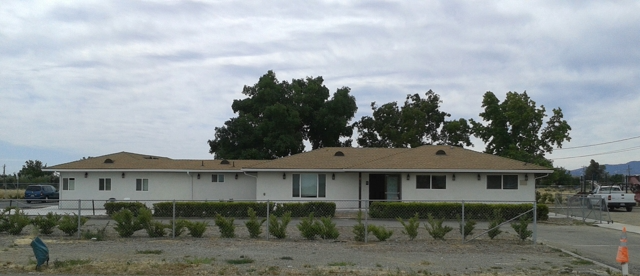
Brentwood Muslim Community Center
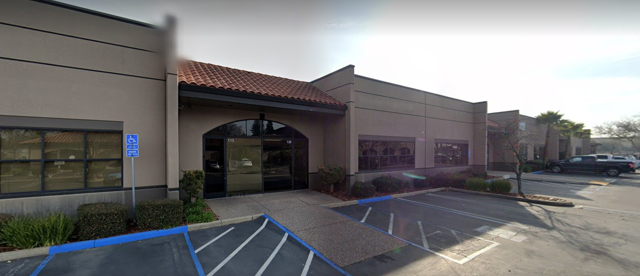
Islamic Society of Rancho Cordova
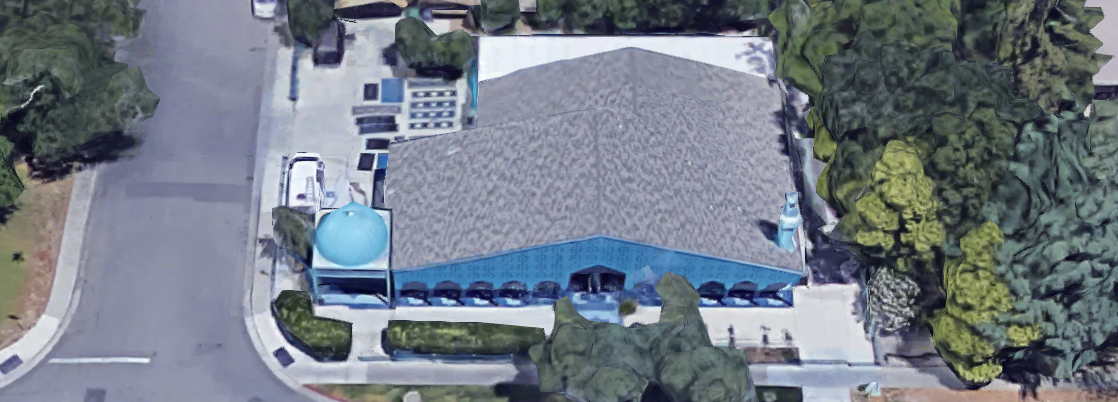
Islamic Center of Davis
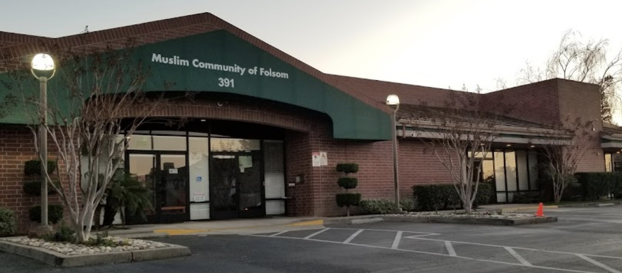
Muslim Community of Folsom
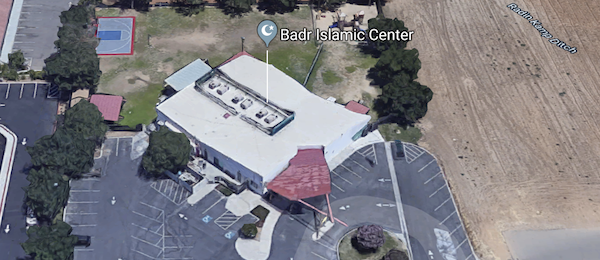
Badr Islamic Center
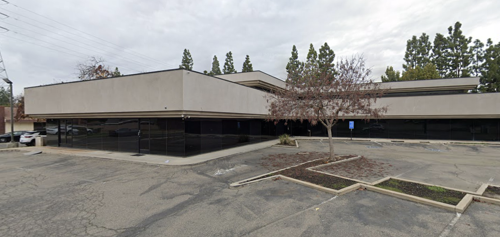
My Deen
Al-Misbaah Musalla
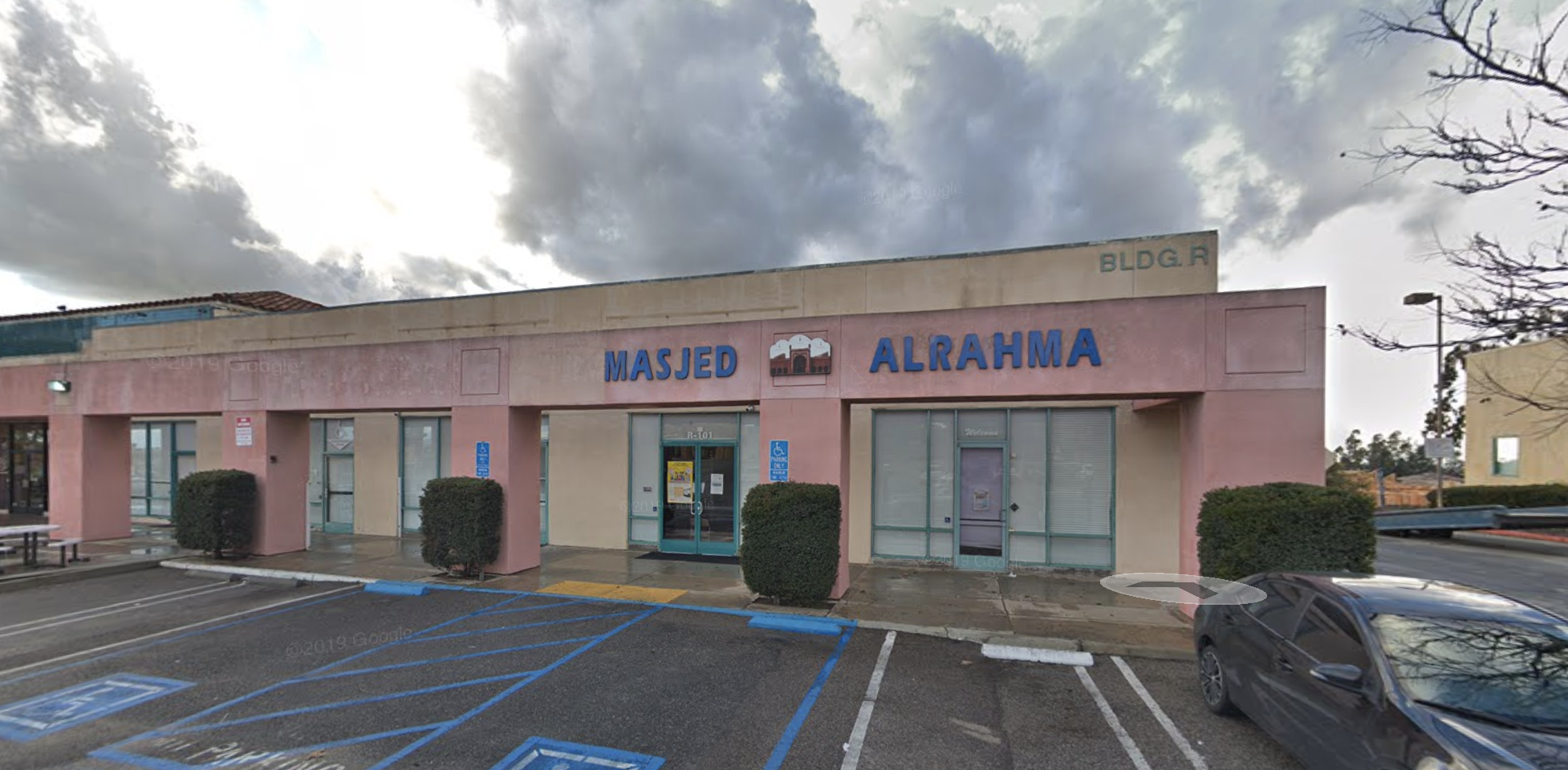
Masjid Alrahma
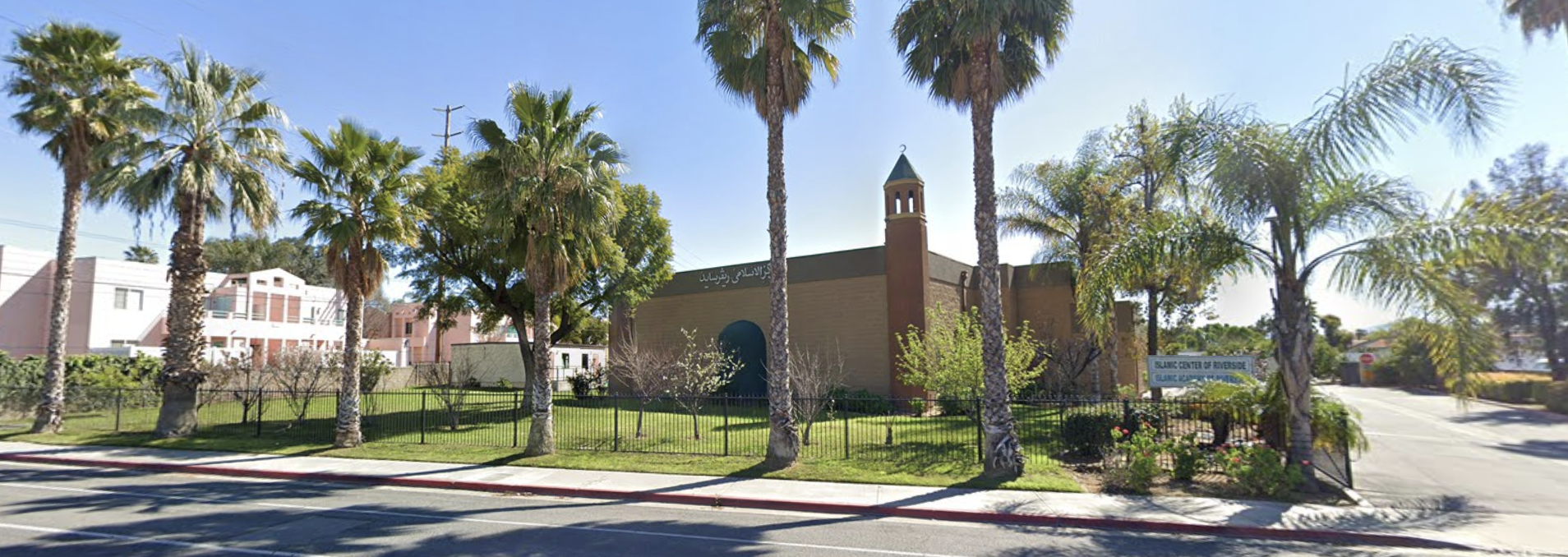
Islamic Center of Riverside
Lodi Muslim Mosque
California Islamic Center (CIC)
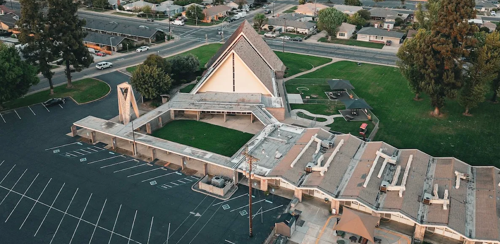
Lodi Muslim Masjid
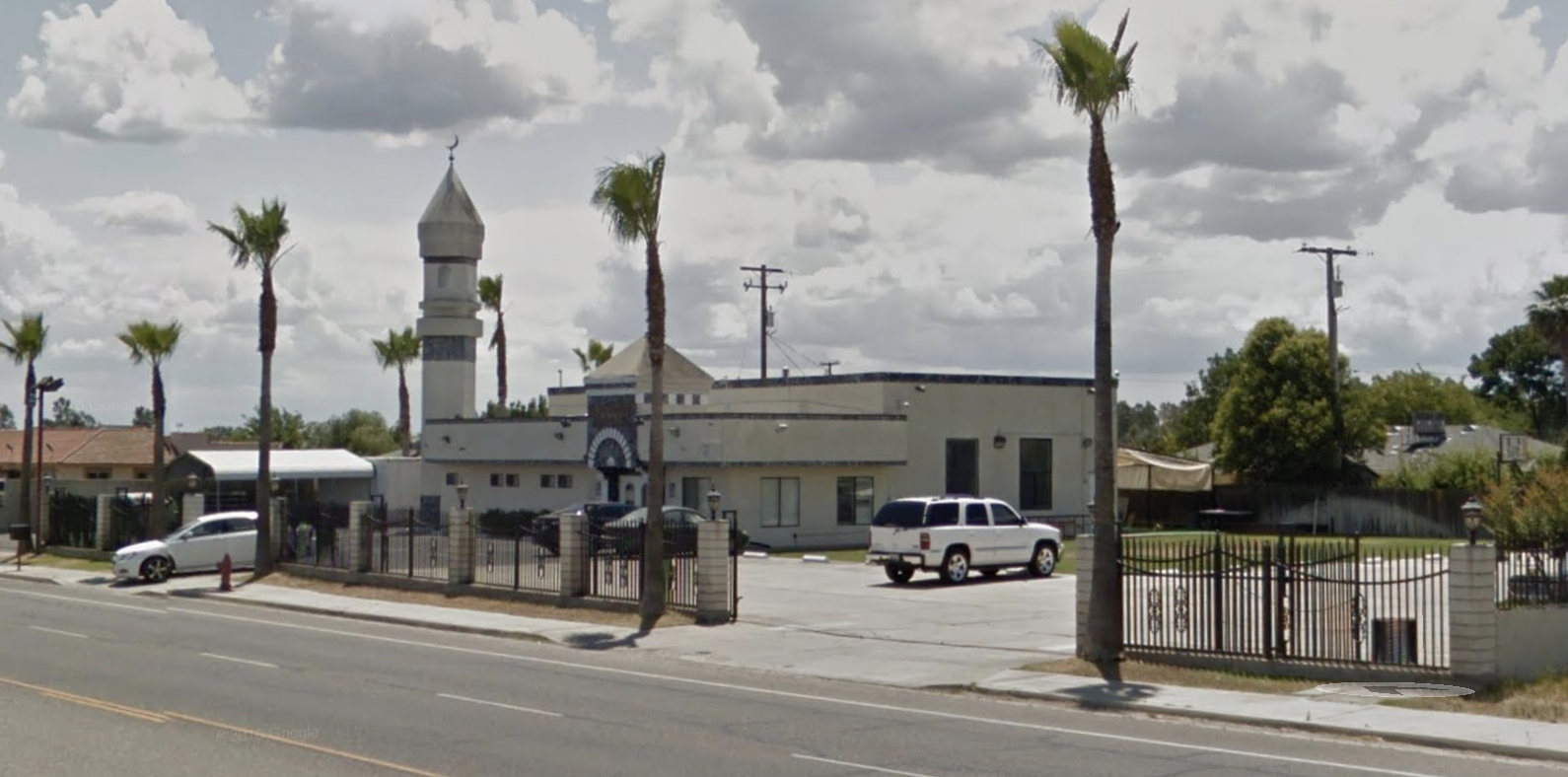
Madera Islamic Center
Islamic Center of Merced
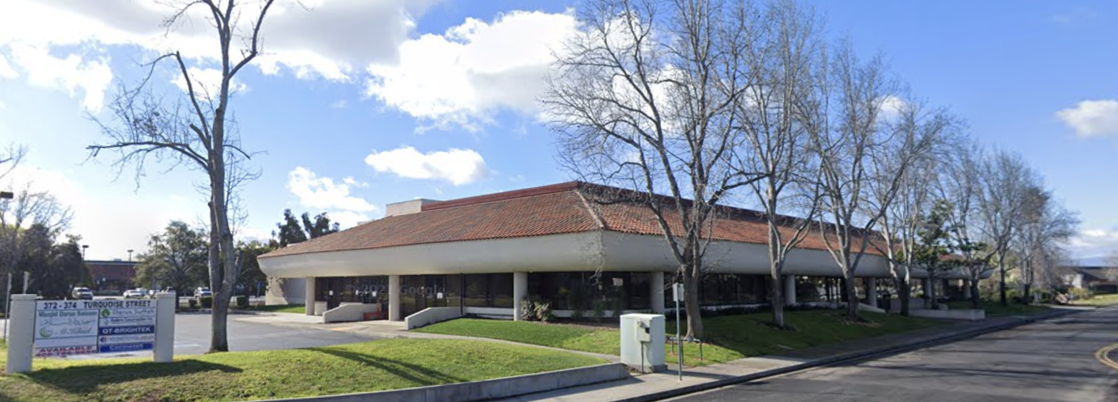
Masjid Darus Salaam
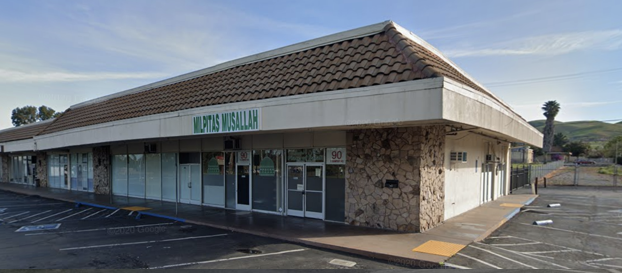
Milpitas Musallah
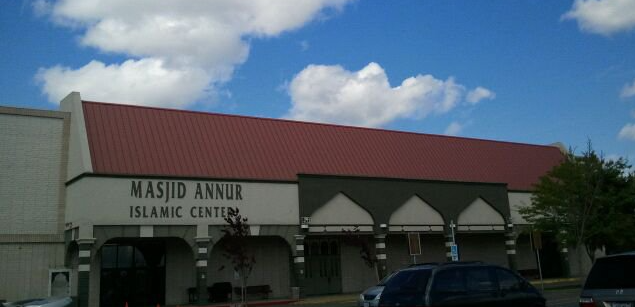
Masjid Annur Islamic Center
Masjid Al Farooq
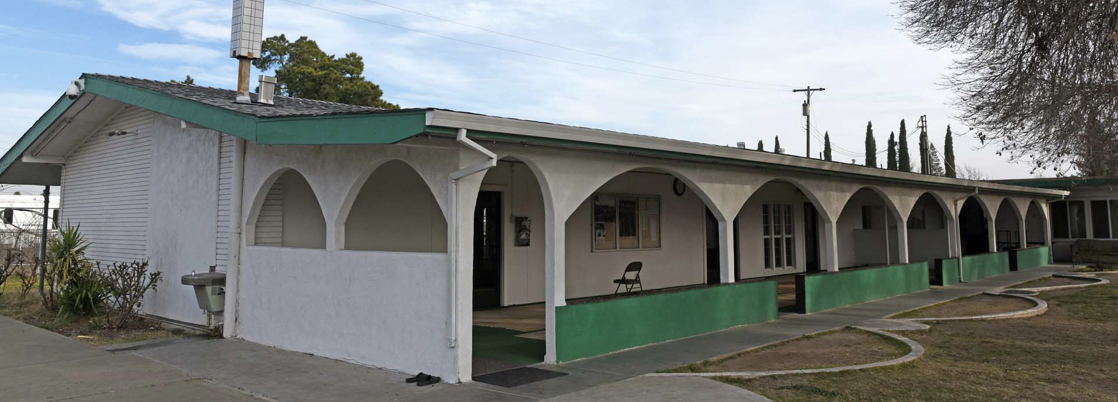
Darul Uloom Al-Islamiyah Sacramento
Masjid Fulton
Masjid Millati Ibrahim
Muslim Mosque Association
Association of American Musallas
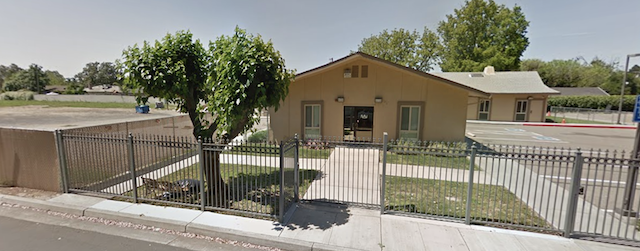
Masjid Al Emaan
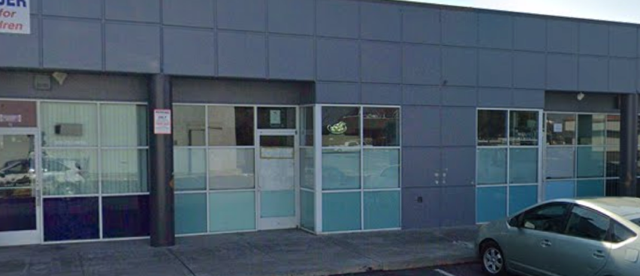
Masjid Hamza
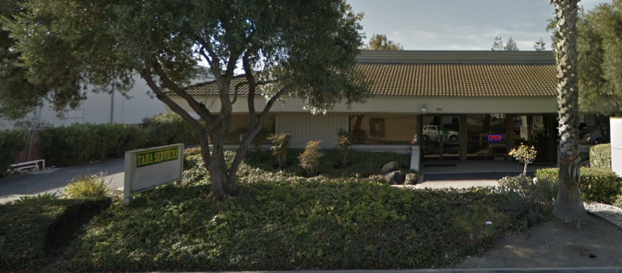
Taha Islamic Center (TIC)
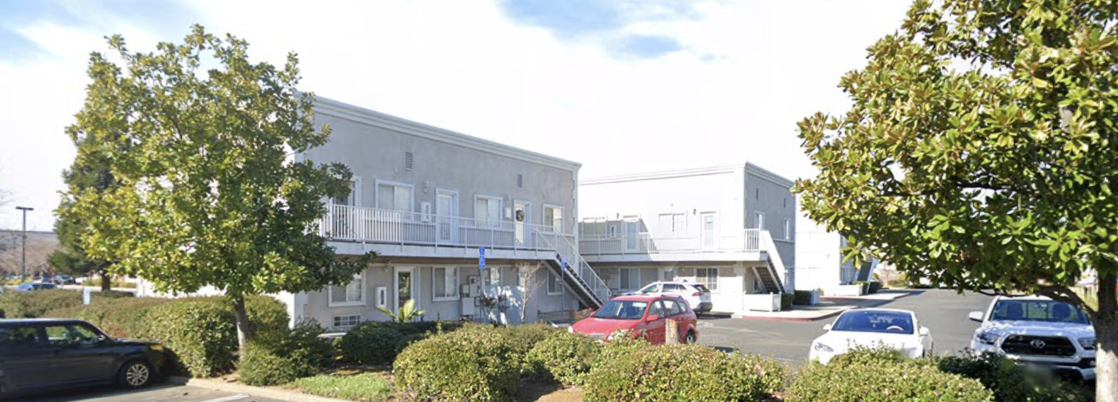
Al-Tanzeel Academy
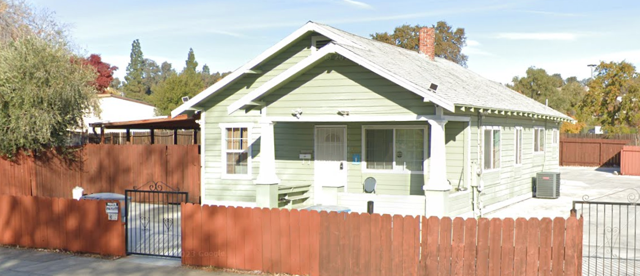
Islamic Center of Vacaville
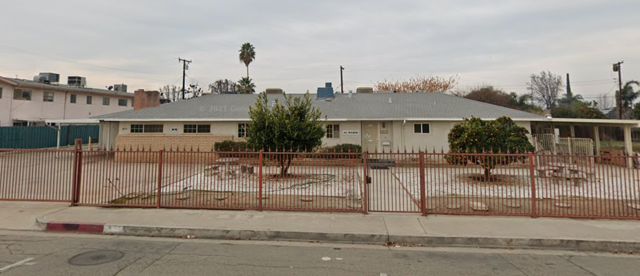
Masjid Visalia
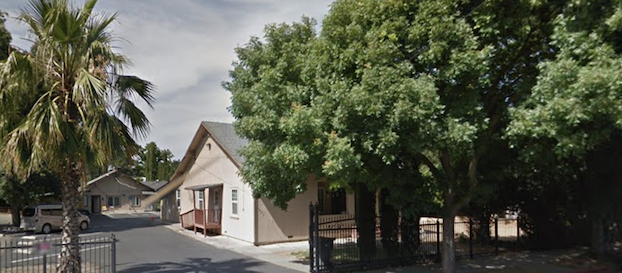
Woodland Mosque & Islamic Center (WMIC)
CO 3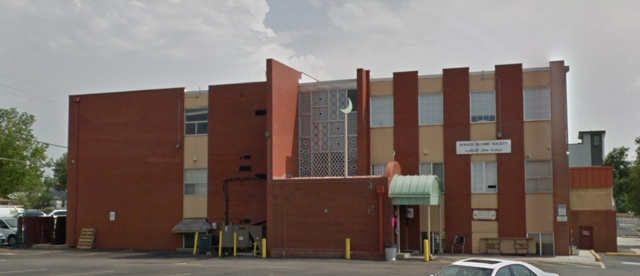
Denver Islamic Society - Masjid Alnour
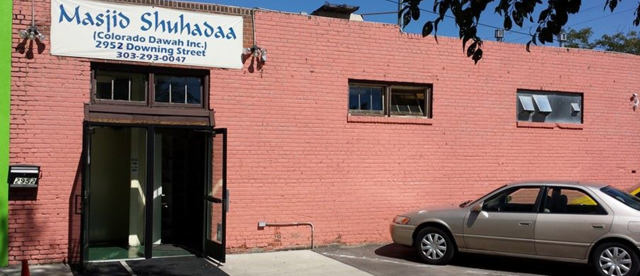
Downtown Denver Islamic Center - Masjid Al-Shuhada’
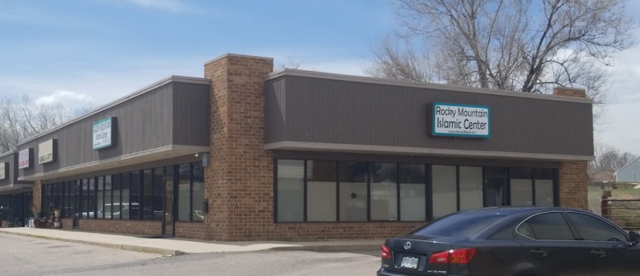
Rocky Mountain Islamic Center - Lakewood Masjid
Libya 1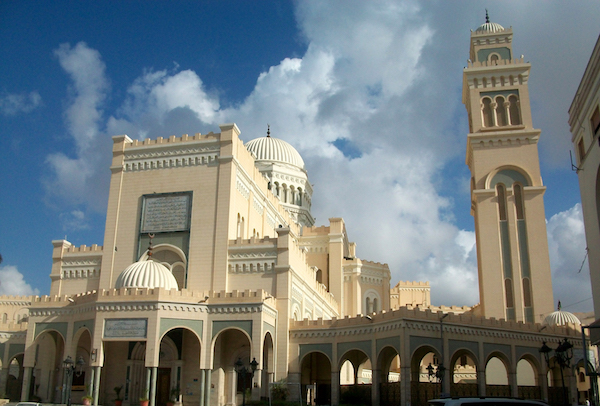
Tripoli
MI 1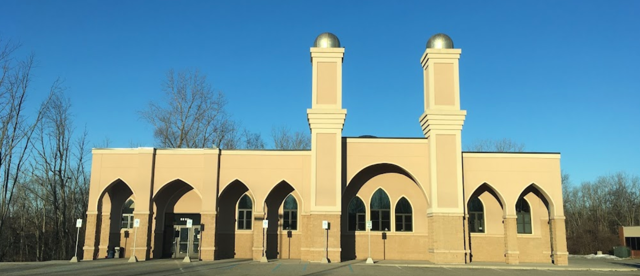
AL-Tawheed Islamic Center - IM&RI
MO 1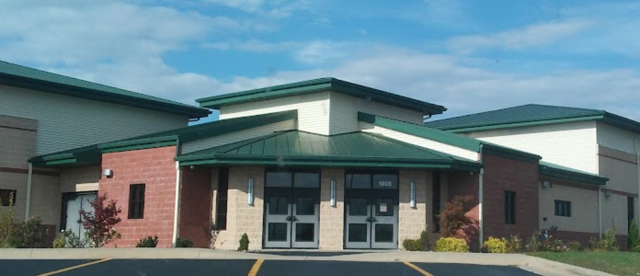
Islamic Society of Joplin - Joplin Mosque
MT 1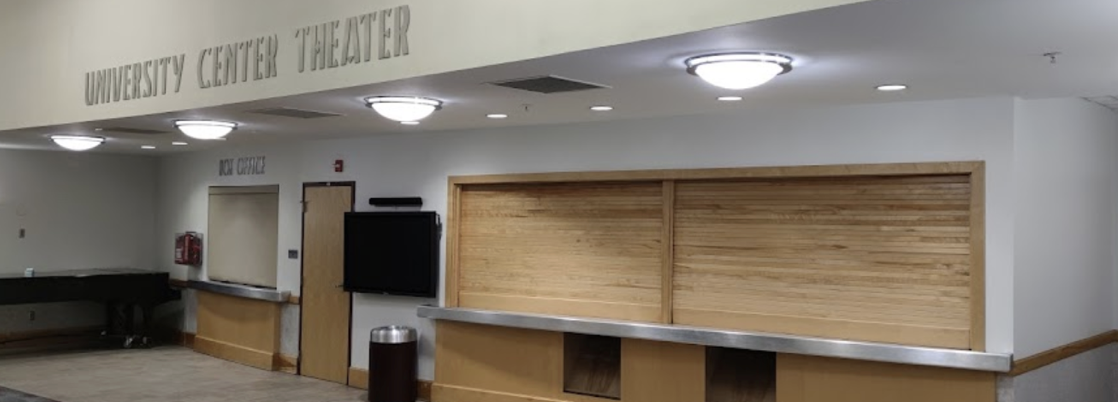
UM - Missoula
NC 1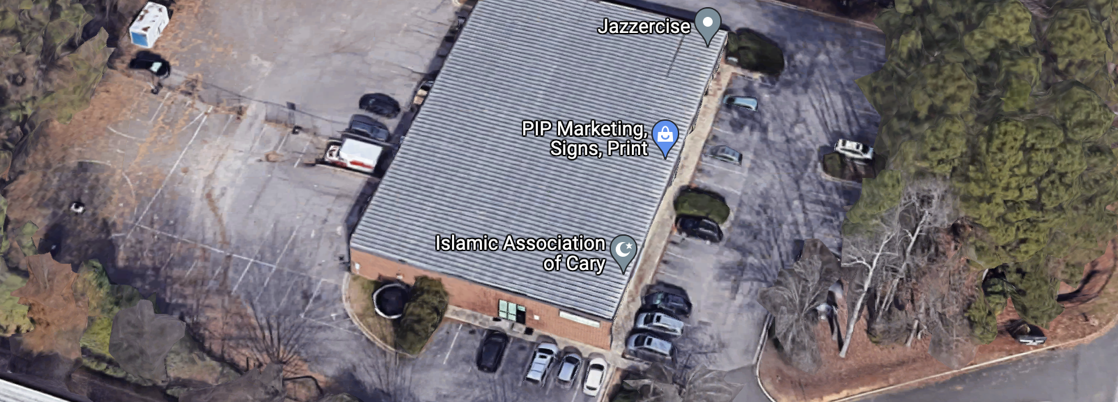
Islamic Center of Cary
NJ 1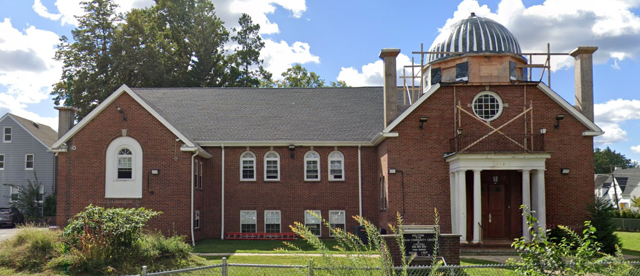
Muslim Community Center of Union County (MCCUC)
NV 3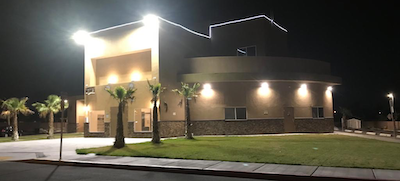
Islamic Info. Center Las Vegas
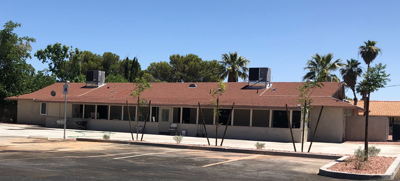
Masjid Al Nejashi
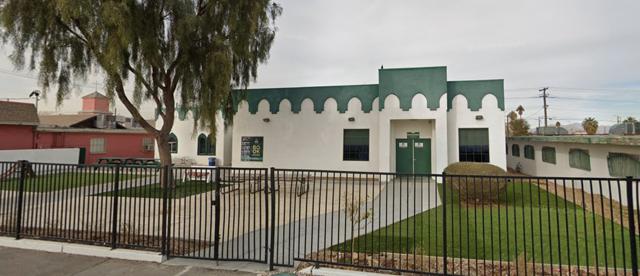
Masjid As-Sabur
NY 1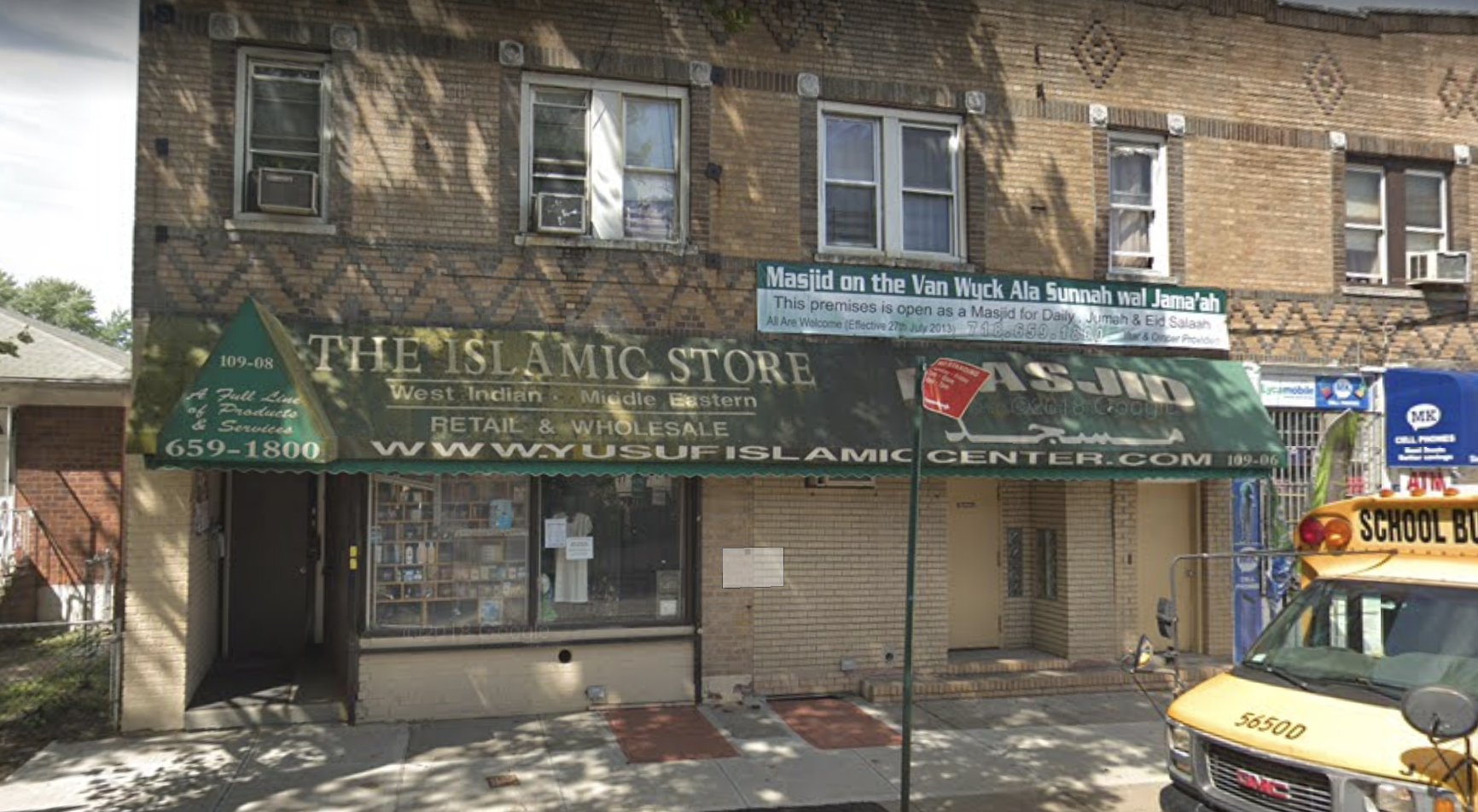
Masjid on the Van Wyck
Saudi Arabia 2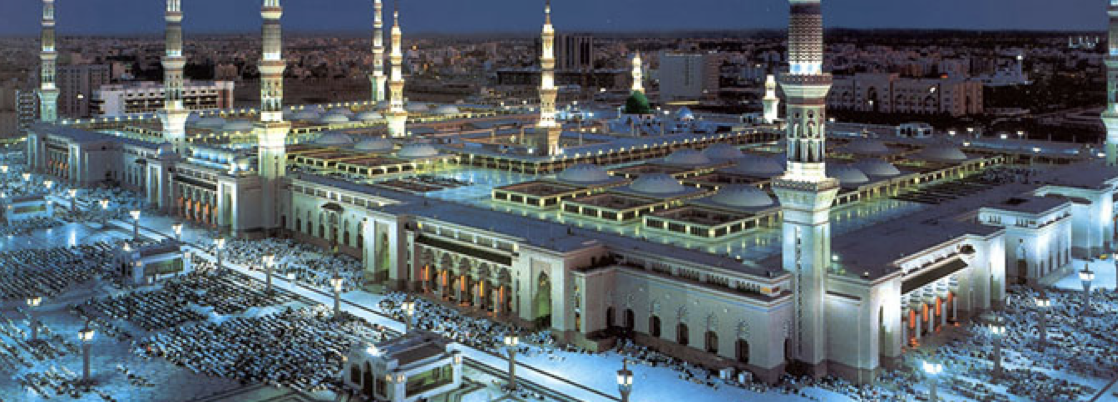
Al-Masjid an-Nabawi
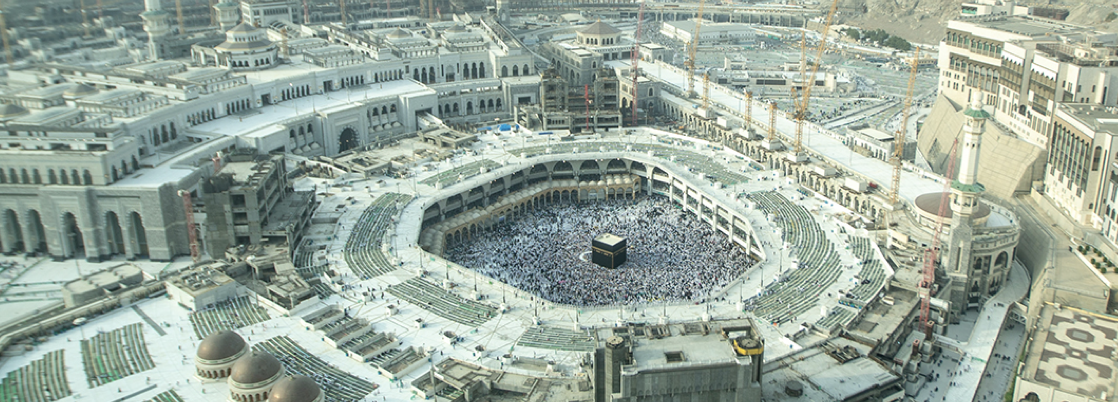
Al-Masjid al-Haram
TX 4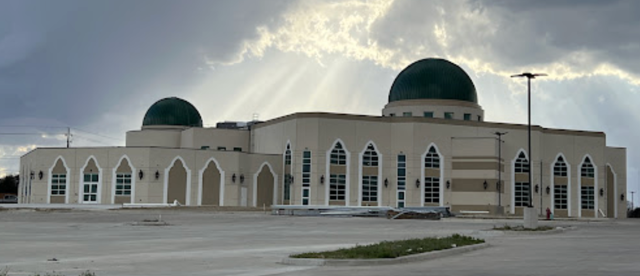
Desoto House of Peace - Mosque & Community Center
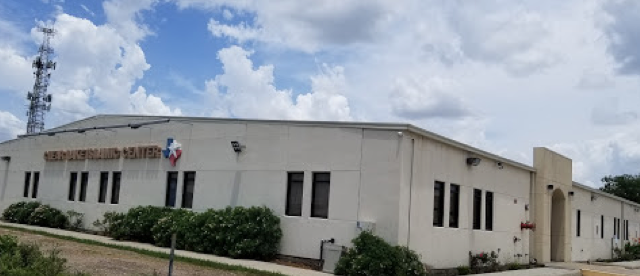
Clear Lake Islamic Center
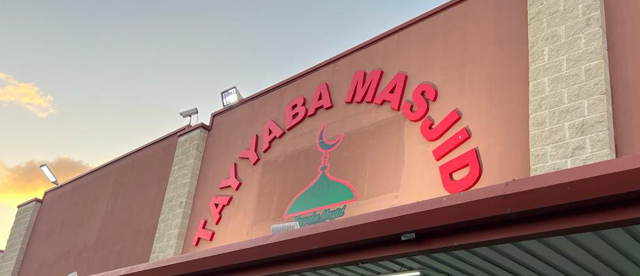
Tayyaba Masjid (Markaz e Ahle Sunnat Katy)
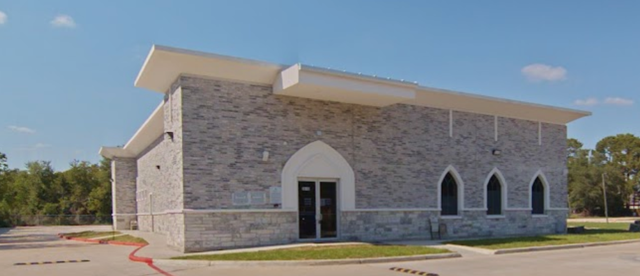
Aqsa Masjid - Katy Islamic Center (KIC)
UAE 1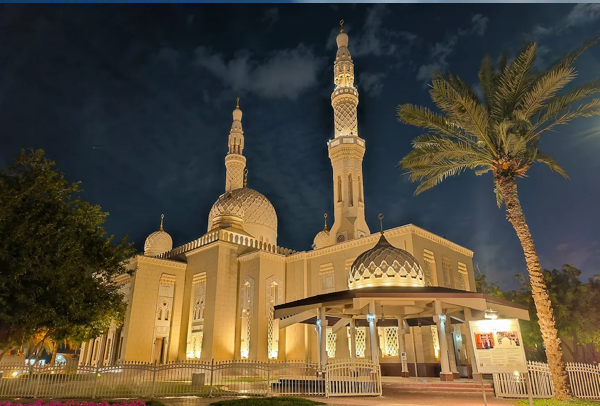
Dubai
WA 2
Islamic Center Faizan e Madinah
Islamic Center of Clark County
|